
How to play in a league
Step by step: sign-in and Telegram, your league page, free days, where to play, booking the club set and what to do if you can't make it.
1. Sign up and sign in
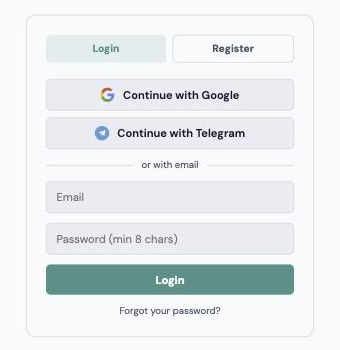
The “Sign in” button is in the top right corner of kokasoku.com. The easiest way is Telegram: press “Sign in with Telegram” → “Open Telegram”, in the @riichi_kokasokubot bot press “Start”, then “✅ Sign in” and come back to the site — sign-in completes by itself. The account is created right away, no email needed, and league notifications already reach you.
You can also sign in with Google or with email and password — then link Telegram separately (next step).

2. Link Telegram — required
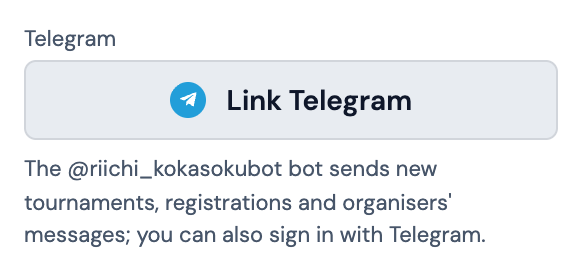
All league notifications come from the @riichi_kokasokubot bot. If you did not sign in with Telegram, open “My profile” (kokasoku.com/profile) → the “Telegram” block → “Link Telegram” and confirm in the bot. Once linked, the block says “Linked”.
What the league sends:
- ✅ “All four are free” — when every player of your table has marked the same day and your hours overlap for the whole game. The message has the date and the hours.
- 🧰 A tablemate booked the club set and mat — or cancelled the booking.
The bot does not answer messages: send questions to the league organiser.
3. Make sure your profile is linked to your player card
The league page opens by your player card — the one you are in the league roster and in Pantheon with. Usually the profile links to it by itself, by name. If the page says “Your account has no player card linked”, paste a link to your card under “Re-link player profile” in “My profile”, or ask your club representative — they will help you link it. You can also write to the league organiser.
4. My league page
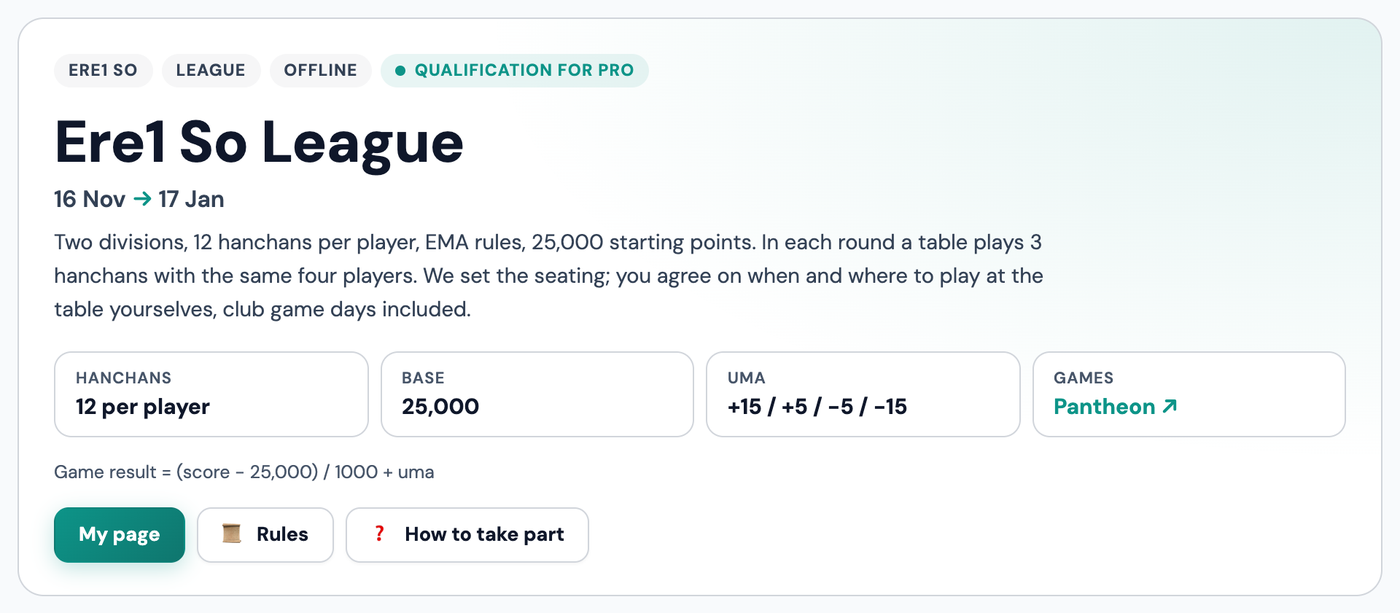
Open the league page and press “My page” (only players in the roster see it). On the page:
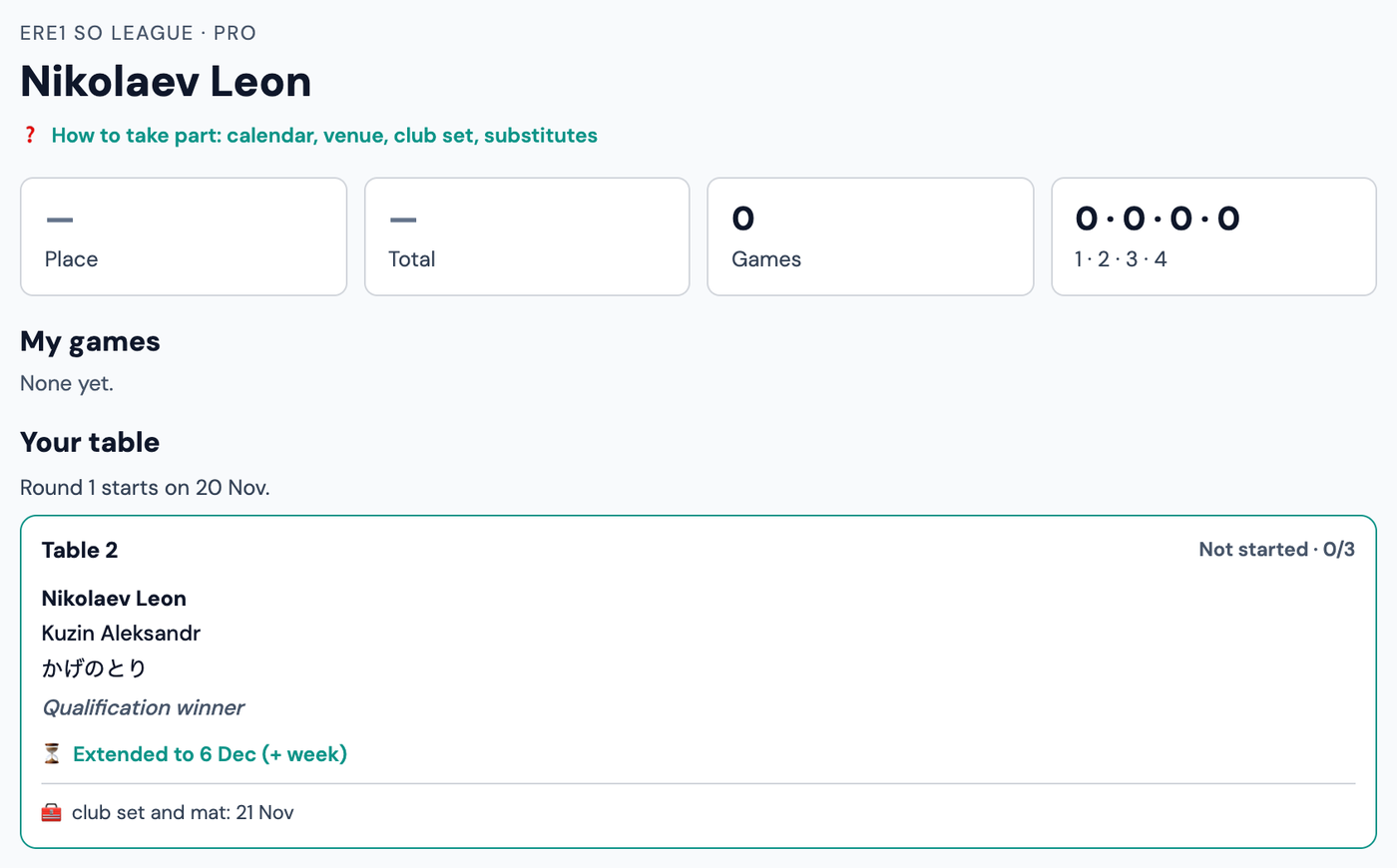
- your place in the table, total or average, number of games and places 1·2·3·4;
- “My games” — all your counted games with links to Pantheon;
- “Your table” — who you play with this round and how many games to play before the round ends.
When you sit down, press “We started”: the portal follows the game in Pantheon, shows the live score and counts finished games by itself. If a game did not come through, paste its Pantheon link and press “Count it”.
5. Mark your free days
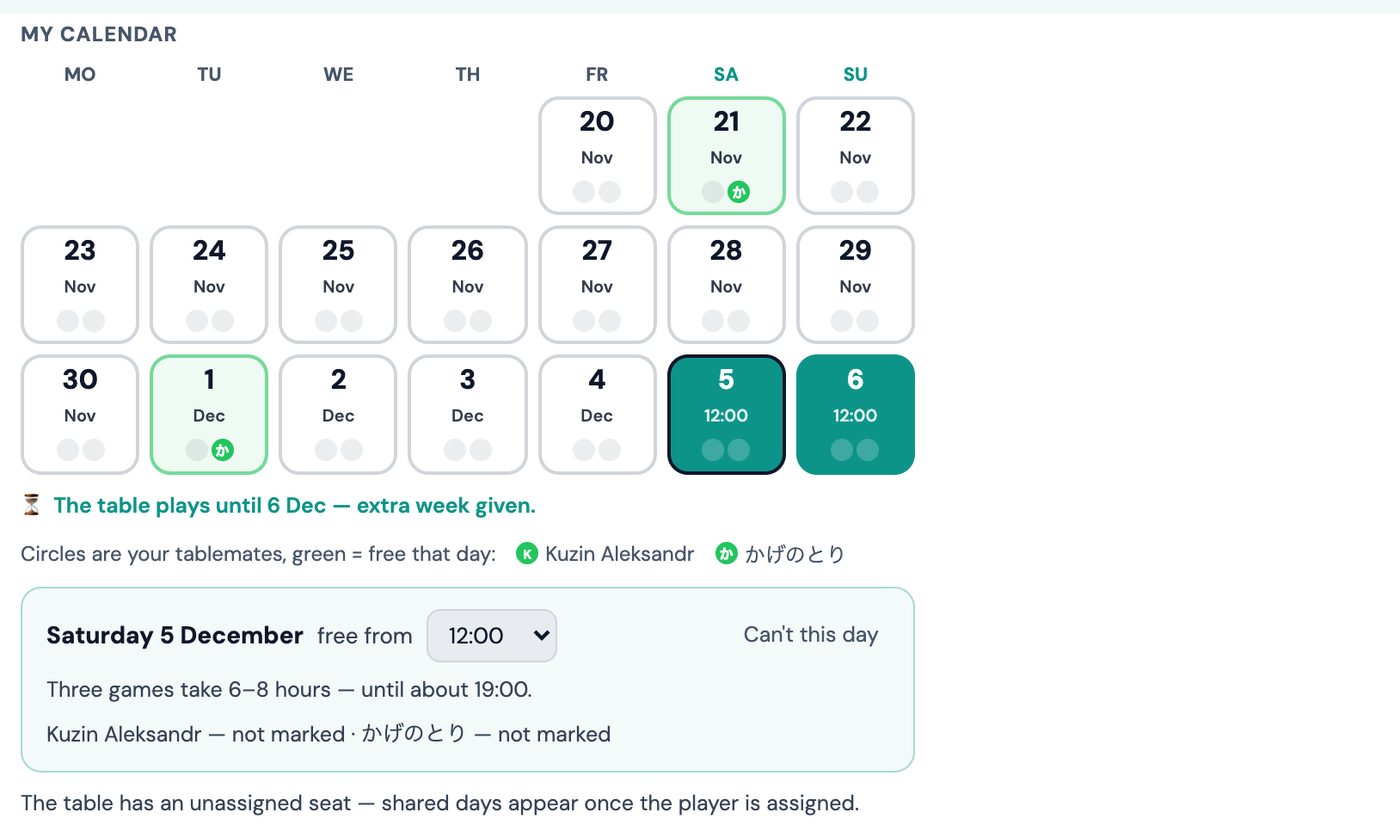
The “My rounds” block is a calendar for each round. Mark days for all upcoming rounds at once:
- tap a day to book it; below, pick when you can come (no later than 18:00: three games take 6–8 hours) and, if needed, until when — e.g. “until 18:00” — and press “Save”;
- changed your mind — tap the day again to remove it;
- free regularly — “🔁 Regular schedule”: by weekday (e.g. Saturdays) or in shifts like 2 on / 2 off, for up to half a year. Matching days are marked for you; remove any single day in the calendar;
- the circles under the date are your tablemates, each in their own colour (labels under the calendar). A coloured circle means that tablemate is free that day. Days your tablemates marked but you have not are highlighted green — check them first;
- when all four are free, the day gets a green frame and shows up in “Everyone free” — and all four get a Telegram message.
Can't finish before the round ends — the “⏳ + week” button in the calendar gives the table 7 more days. It can be used once per round.
6. Where to play and booking the club set
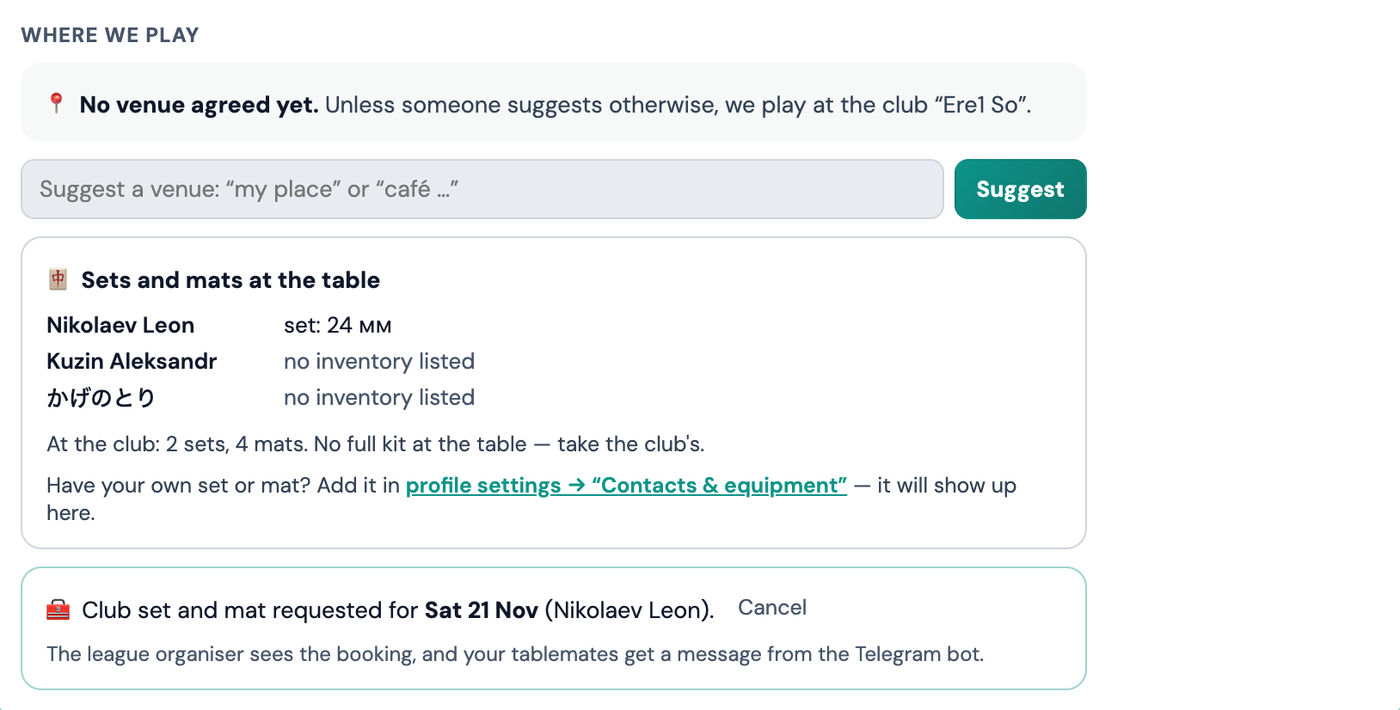
Below the calendar is “Where we play”. Suggest a place in plain words (“my place, Saryan 12”, “café …”) — tablemates press “Works for me”. Once everyone agrees, the place is set. No other option — we play at the club.
“Sets and mats at the table” shows who at the table has their own set and mat (from the inventory in the profile). If there is no full kit, book the club one: pick the day and press “Request”. The league organiser sees the booking and your tablemates get a Telegram message. To cancel, press “Cancel”.
Have your own set or mat — add it in the profile under “Contacts & equipment”, and the whole table will see it.
7. If you really can't make it — a substitute
If there is no day the whole table can make, write to the league organiser and ask for a substitute from the neighbouring division. The organiser sets the substitute on the table, and the table card shows “🔁 … plays for …”.
- The substitute plays as usual; the other three get their points for the game as always.
- The substitute's result does not count — neither for them nor for you.
- The player who could not come gets −30 for each game: for a day of three games that is −90 (−90,000 points). The place in that game does not count for them.
So a substitute is the last resort: first try another day or “+ week”.